
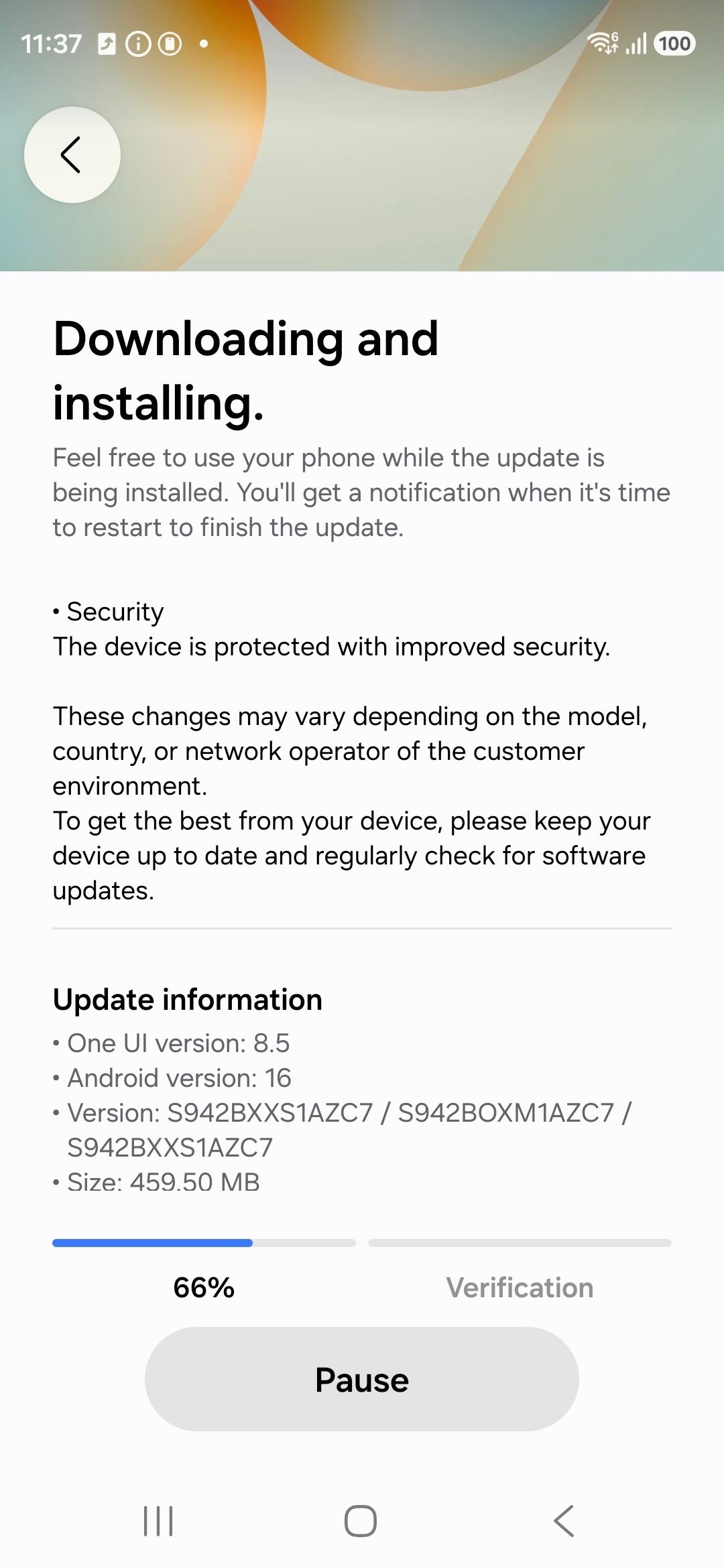
Users who download and install the February security patch won’t have to sit through inactivity. The device quietly updates in the background, and when it’s finished, it prompts a restart to complete the process.
1. Go to Settings.
2. Open ‘Software Updates.’
3. Download and install the February security patch.
The South Korean tech giant is supposedly rolling out 37 fixes with this security update, including 12 Samsung-specific repairs and 25 Android optimizations developed by Google.

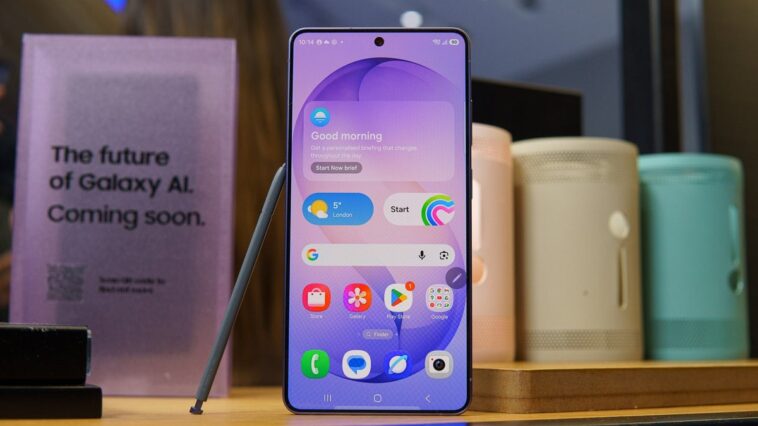
The February 2026 security update is available on all Galaxy S26 options, including the ‘vanilla.’ | Image by Samsung
Among the Samsung-related fixes are changes to Samsung Dialer, the Knox Guard Manager, and Emergency Sharing. This security patch also introduces new features, including Inactivity Restart.
Inactivity Restart comes to Galaxy S26
Inactivity Restart is a fairly straightforward feature, which can be turned on or off, depending on user needs. When enabled, the Galaxy S26 reboots automatically after 72 hours of inactivity.
While it doesn’t provide breakthrough security advancements, the feature could still be extremely useful if a device has been misplaced or stolen. It essentially locks almost all your data, ensuring hackers can’t access your information.
This security extra isn’t unique to Galaxy devices. In fact, Google released it first as an attempt to block hackers from attempting to access Android devices. But while Pixel phone users can’t really control the auto restart, Samsung gives its users manual controls.
Is this too little too late?
While the Inactivity Restart feature is just now coming to Galaxy S26 models, the extra arrived last month when the February 2026 security update first rolled out for the Galaxy Z Fold 7 and the Galaxy S25 lineup.
Maybe it’s just me, but I think early S26 buyers may not have been all that happy to find out their ultra-expensive flagships are essentially using older security patches than last year’s models — even if that was only for a few days.




GIPHY App Key not set. Please check settings